
DVR+ (Digital Video Recorder)
6 Channel Recording | Live Event Tagging | Post-Dive Review | Report-Ready Export
✓ In stock ✓ Available to rent ✓ Competitively priced
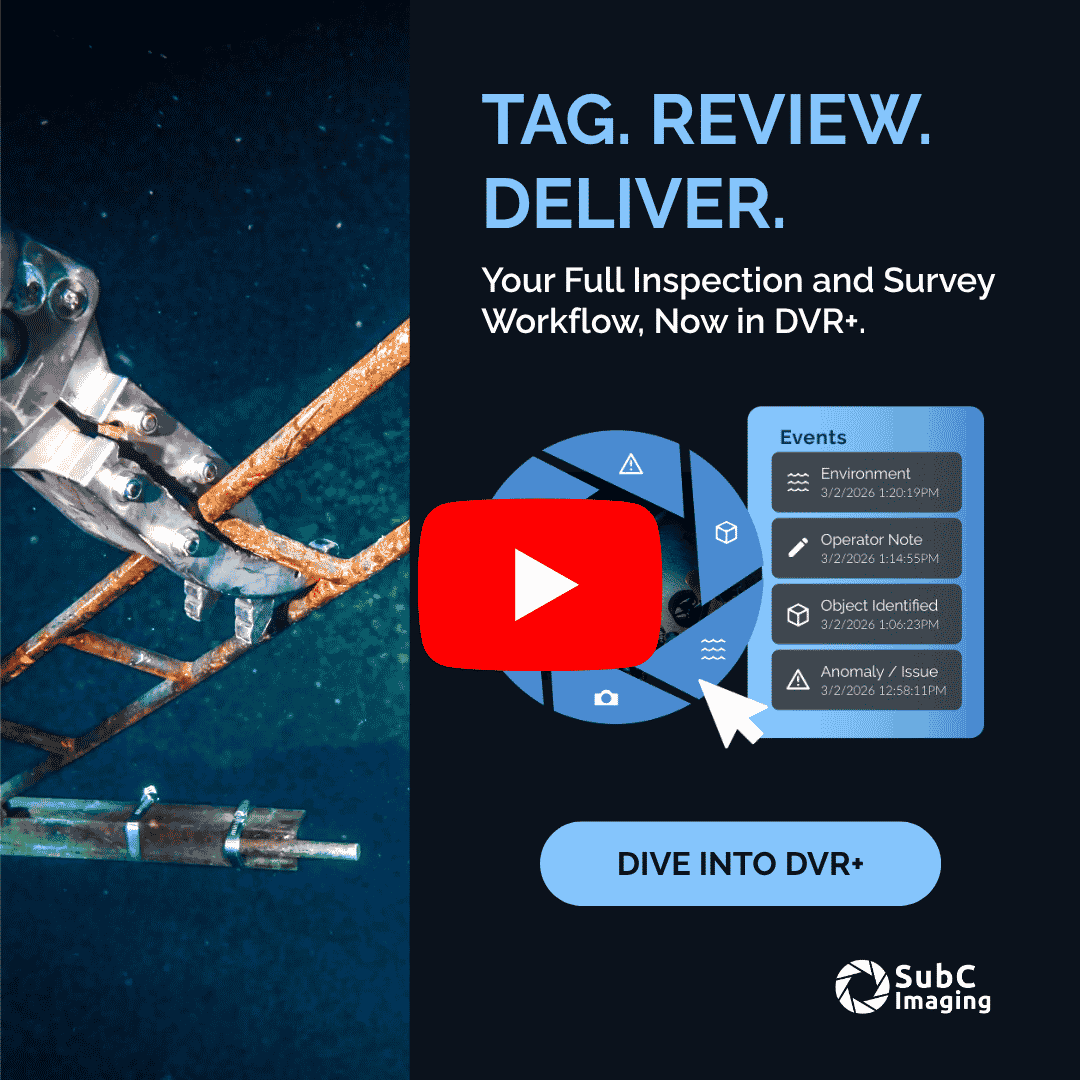
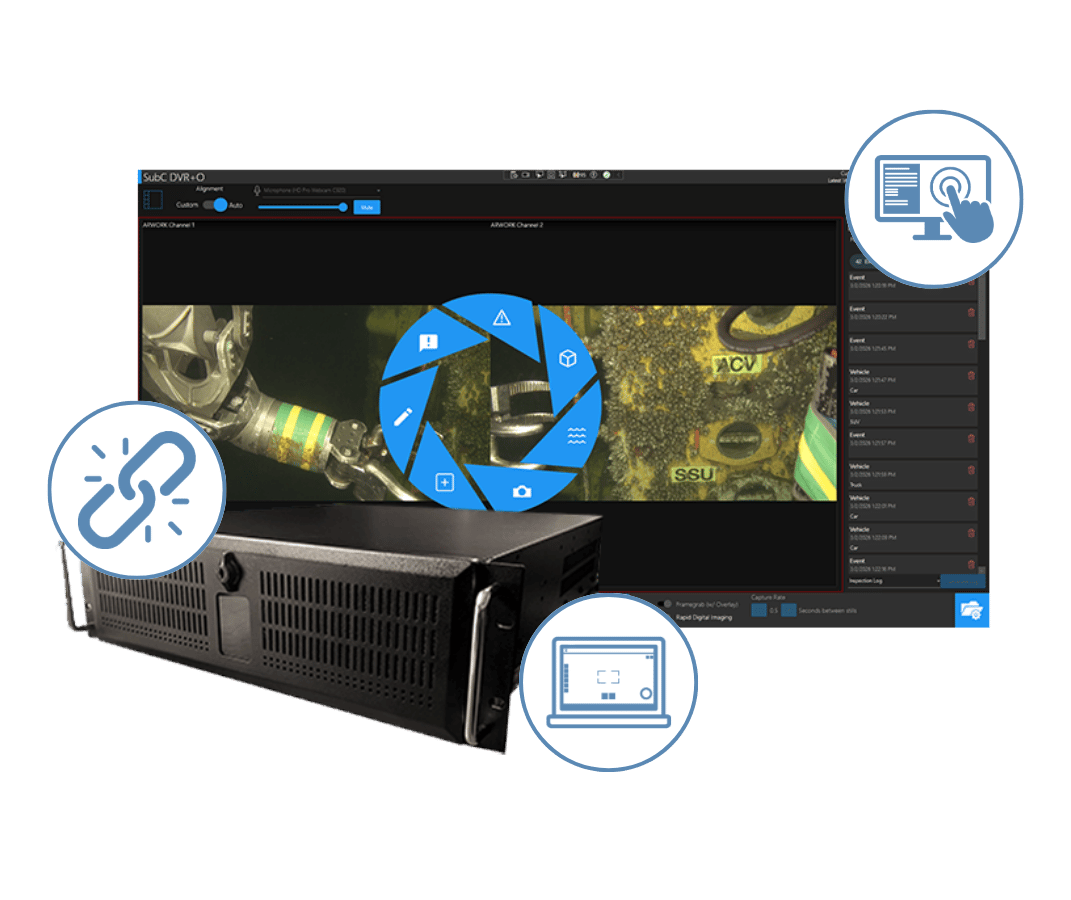
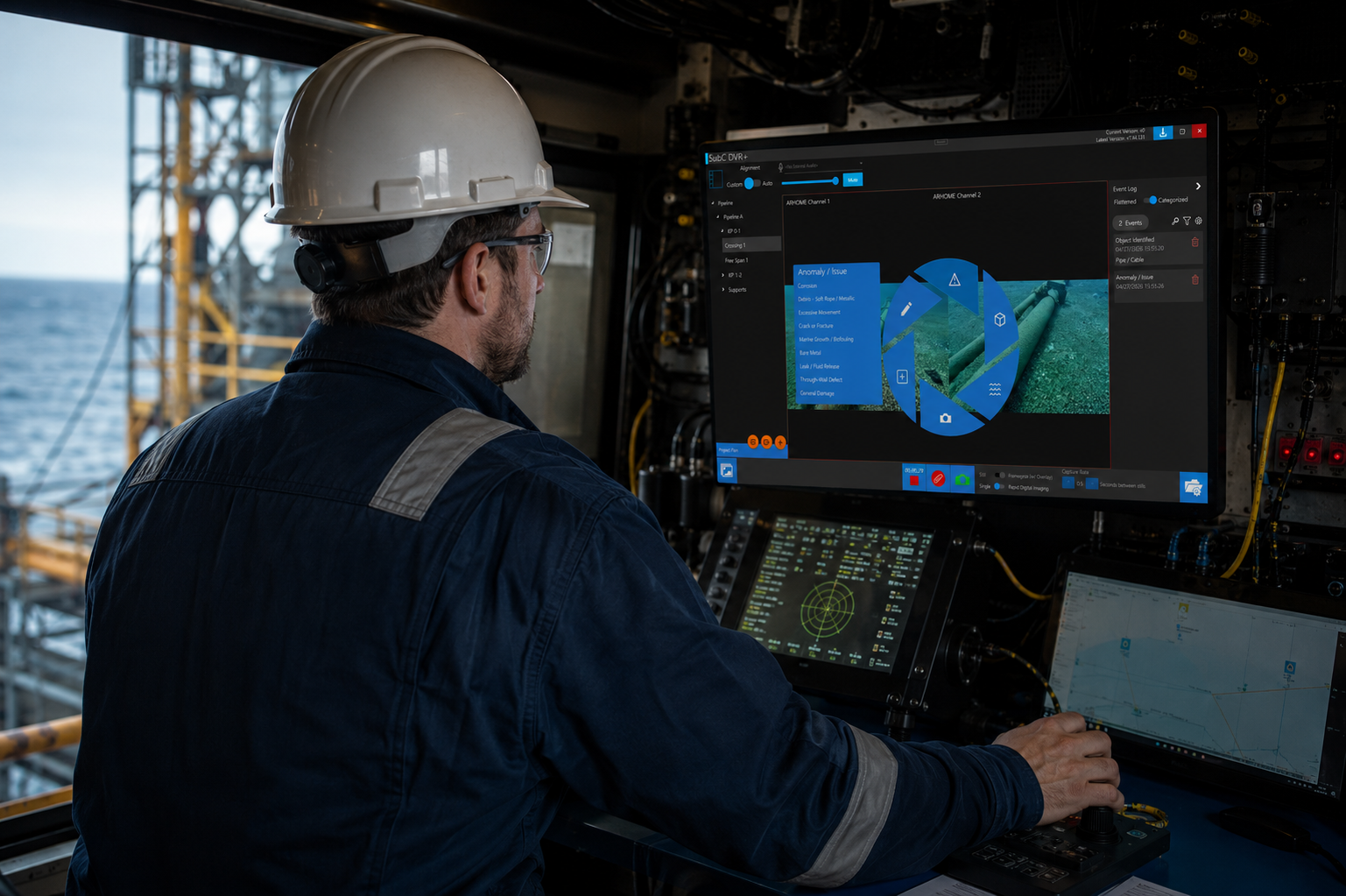
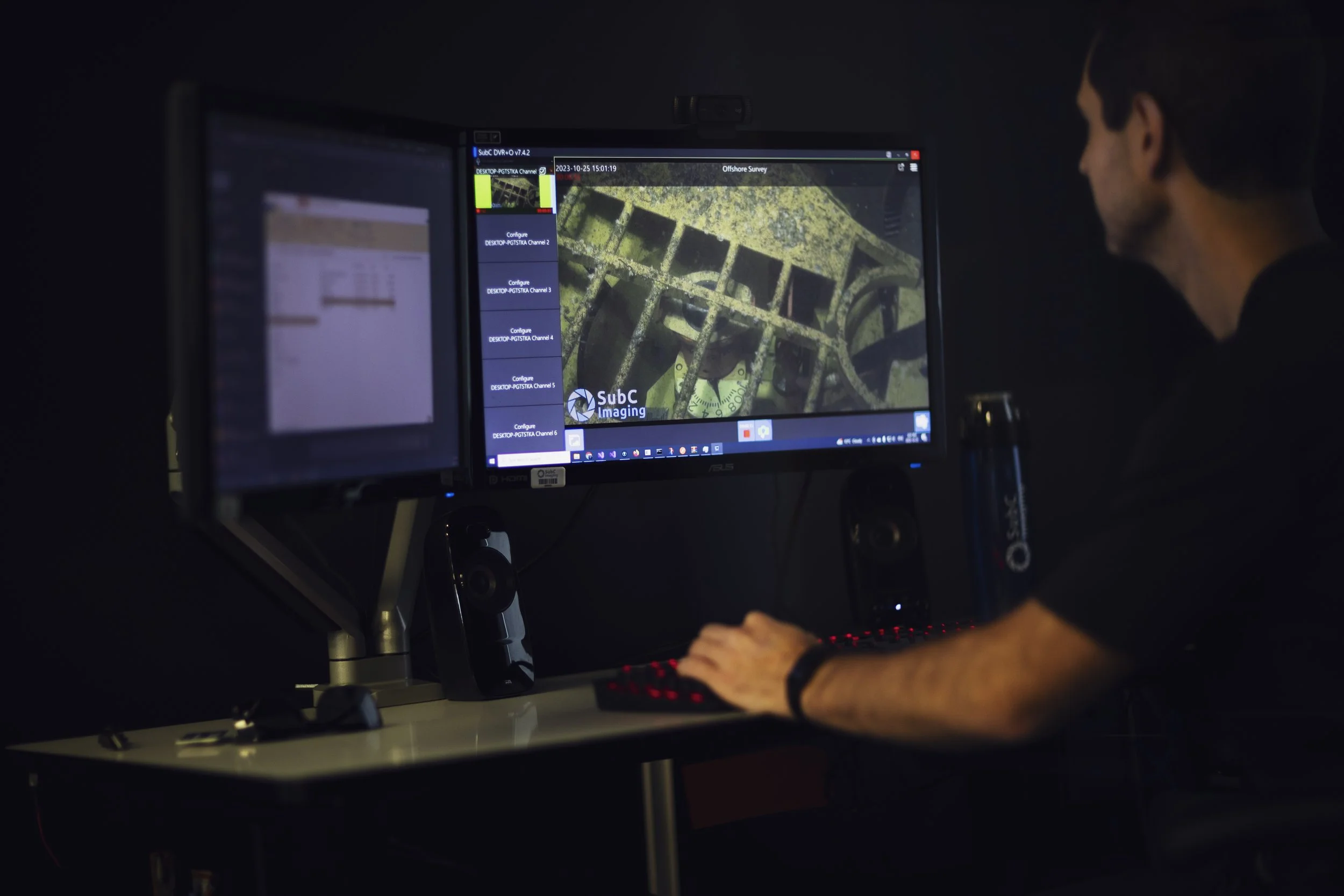
Connect live operations to reporting deliverables in one eventing workflow. Tag events in real time with timestamps linked to the footage, then validate and enrich them post-dive before exporting structured logs. Save hours of manual work, reduce the risk of missed anomalies, and deliver cleaner, more consistent reports.
-
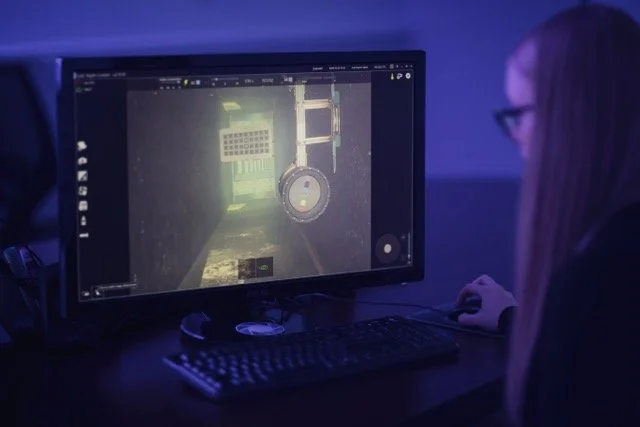
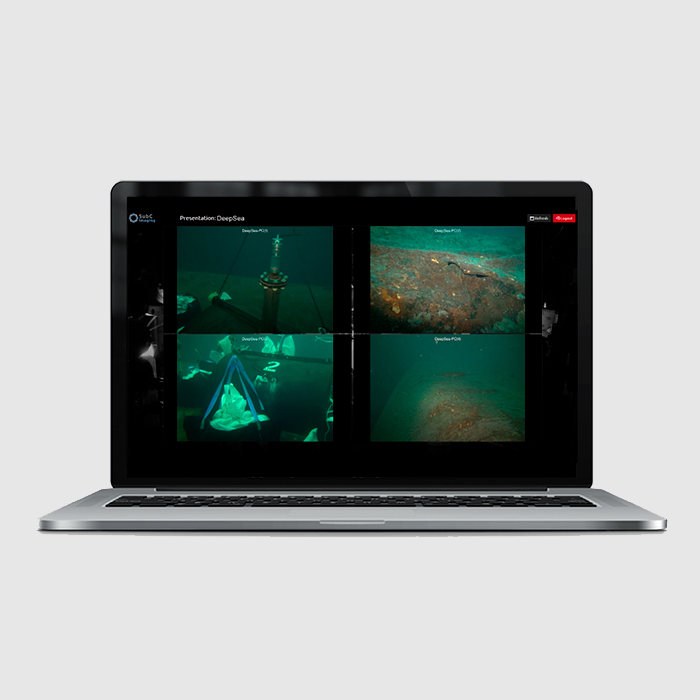
Record up to 6 simultaneous video feeds with synchronized audio. A built-in blackbox mode continuously backs up footage for added reliability.
-
Overlay GPS, depth, and sensor data in real time. Configure project-specific overlays and automatically log sensor inputs alongside video.
-
Tag events in real time to capture key moments with timestamps directly linked to the recorded footage. After the dive, ReviewStudio supports faster cleanup, enrichment, and QA. Export custom structured event logs for client deliverables.
For technical manuals, wiring diagrams and 3D files contact team@subcimaging.com
Designed and assembled in Canada under rigorous quality standards.

Compatible with Inspection Management Software
Integrates with platforms like WOOD NEXUS, AIZE, & Coabis—no custom build required.

Proven Offshore Reliability & Support
Fast setup, reliable offshore performance, and responsive support when you need it.
Optional Remote Streaming
Stream live video to shore and support real-time collaboration during inspections. Help teams make faster decisions and reduce offshore crew requirement


“SubC’s DVR+ is easy to use, quick to deploy, and built for real operations. You can get set up fast and start capturing data right away. It’s a reliable system, and the addition of event logging and the offline editor has taken it to the next level.”
- Cody Peyres, ROV Supervisor
Geo Oceans
Case Studies & Resources



You May Also Like
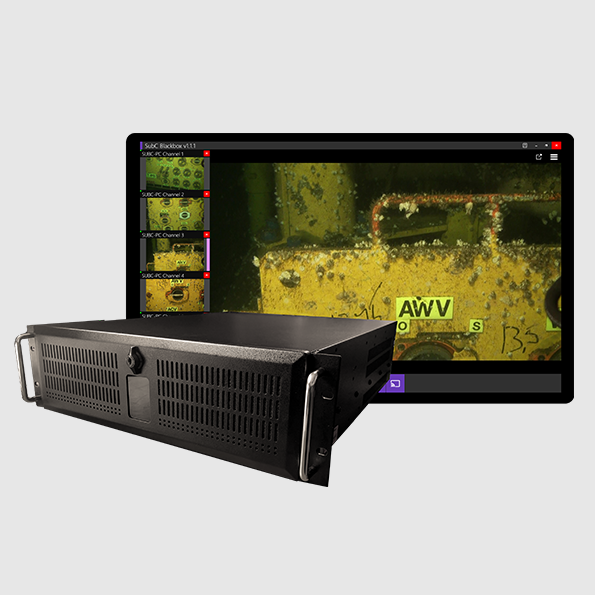
Blackbox
✓ In stock
Request a Quote
By submitting this form you are consenting to be contacted by and receive marketing emails from SubC Imaging. You can revoke your consent to receive emails at any time by using the Unsubscribe link found at the bottom of every email. View Privacy Policy.